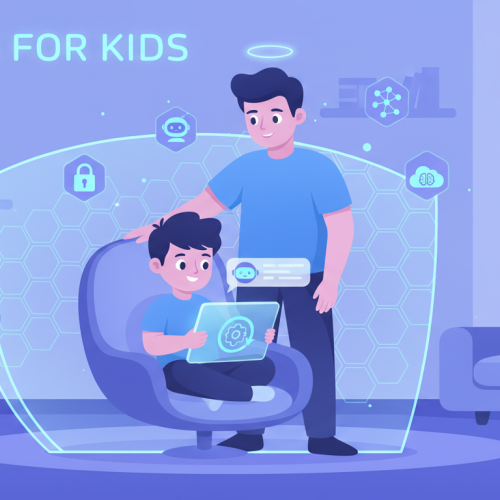
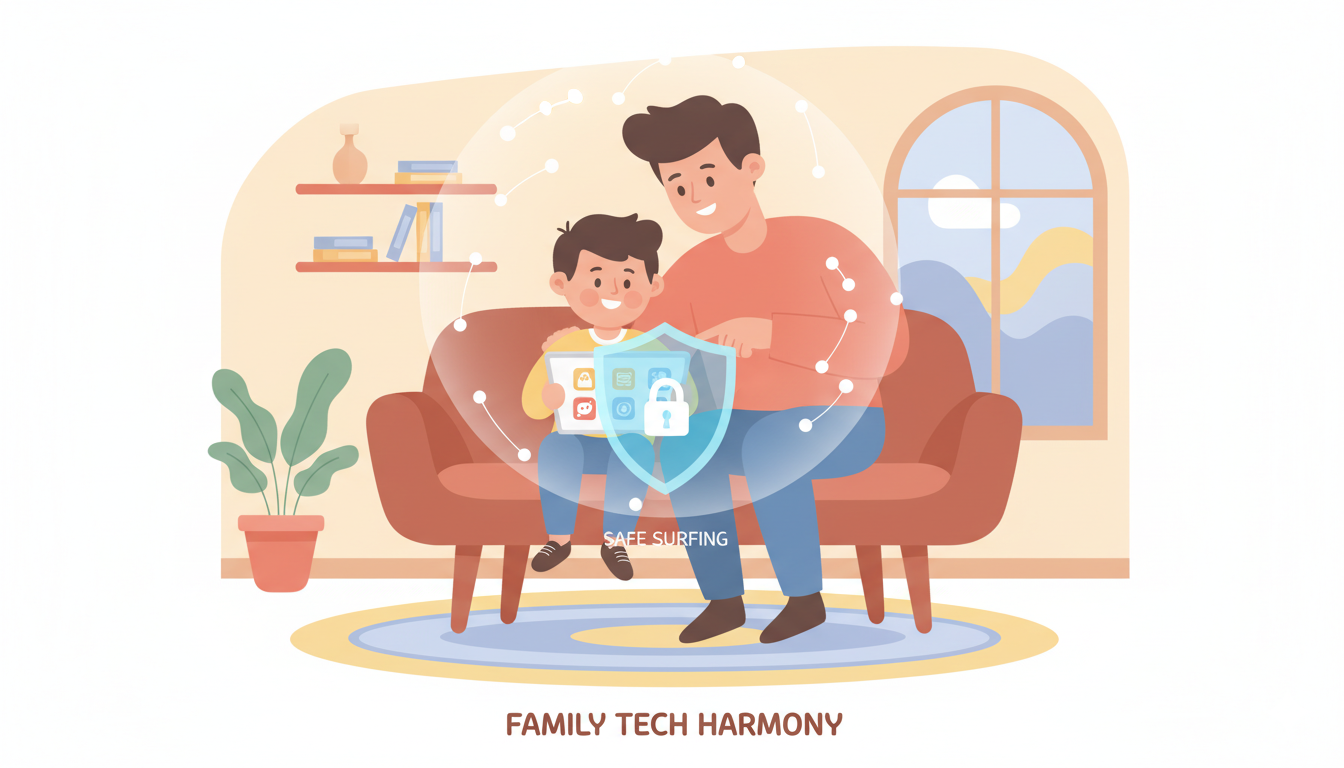
In today’s digital age, children spend more time than ever on smartphones and tablets. While technology provides incredible learning and entertainment opportunities, it also exposes kids to online risks. Parents are often asking: what are the best parental control apps for Android to protect my children?
This guide reviews the most effective apps, explains their features, and provides tips on keeping your children safe online.
Why Parental Control Apps Are Essential
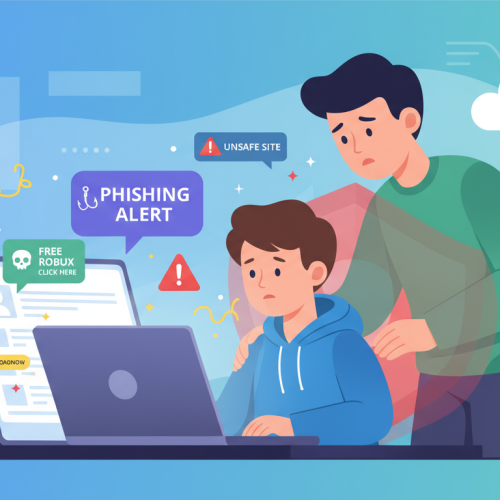
Smartphones and tablets are powerful tools for children, but they can also be gateways to:
-
Inappropriate content
-
Unsafe websites or chat apps
-
Excessive screen time
-
Online predators
Parental control apps give parents peace of mind by allowing them to monitor and manage their child’s device usage.
Features to Look for in a Parental Control App
Not all parental control apps are created equal. Here’s what to consider:
1. Screen Time Management
Apps should allow you to:
-
Set daily screen time limits
-
Schedule device usage
-
Pause device access remotely
This helps children balance technology with offline activities.
2. Content Filtering
Good apps filter websites, apps, and videos that are inappropriate for children. Look for:
-
Safe search enforcement
-
App category restrictions
-
Blocking adult or violent content
3. App Monitoring and Blocking
Some apps let you see which apps your child uses and block apps you consider unsafe. Features to look for:
-
Real-time app usage reports
-
App blocking by category or age
-
Notifications if a new app is installed
4. Location Tracking
Safety is not just about digital content. Many apps offer:
-
GPS location tracking
-
Geofencing alerts when children enter/leave specific areas
-
SOS alerts in case of emergency
5. AI Safety Monitoring
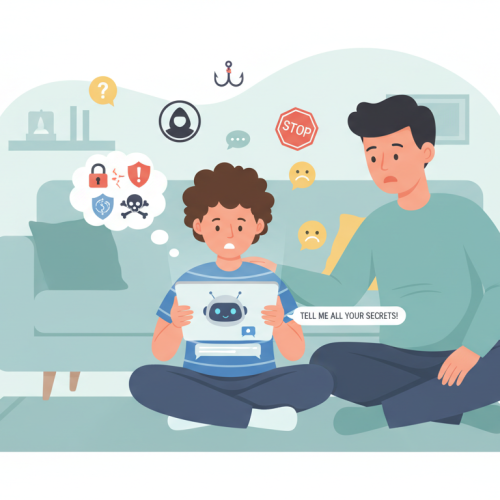
The latest parental apps now monitor AI interactions, helping parents ensure children are safe when using chatbots or educational AI tools.
For example, RaiKid is designed to:
-
Detect unsafe AI chatbot conversations
-
Alert parents of potential risks
-
Provide actionable tips to protect children online
Top 5 Parental Control Apps for Android
Here are some of the most reliable apps parents use today:
-
RaiKid – AI monitoring + parental control, especially for chatbot safety
-
Google Family Link – Free, easy to set up, monitors app usage
-
Qustodio – Comprehensive dashboard, screen time management
-
Norton Family – Web filtering, location tracking, usage reports
-
Kidslox – Simple interface, screen time, and app blocking
Each app has its strengths, so parents should choose based on their child’s needs and their family’s digital safety goals.
Tips for Using Parental Control Apps Effectively
-
Communicate with your children – Explain why monitoring is important
-
Regularly review app reports – Keep track of behavior trends
-
Update apps frequently – Ensure the latest safety features are active
-
Combine digital rules with offline guidance – Balance technology use with real-world activities
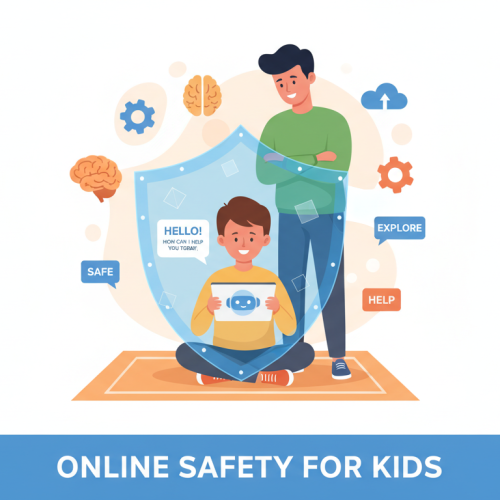
Parental control apps are essential tools for protecting children in the digital world. They help manage screen time, filter content, and provide peace of mind to parents.
When combined with open communication, healthy tech habits, and AI monitoring tools like RaiKid, parents can ensure their children enjoy technology safely and responsibly.