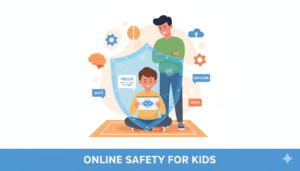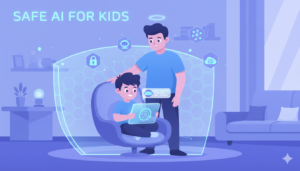
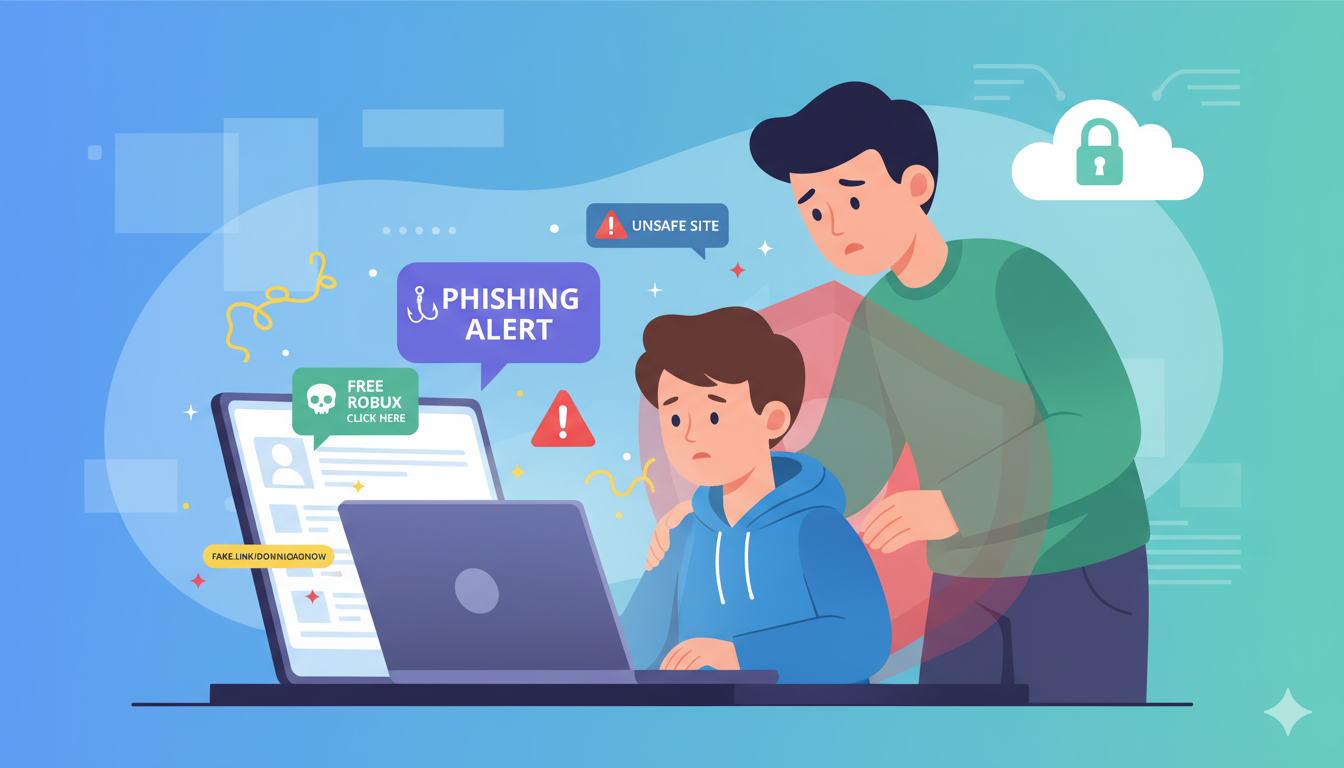
The internet offers incredible opportunities for learning and communication, but it also exposes children to risks. Many parents underestimate how easily kids can encounter unsafe content online. Understanding the most common online dangers helps parents take steps to protect their children. 1. Cyberbullying Cyberbullying occurs when children are harassed or bullied through online platforms.It can happen on social media, gaming platforms, or messaging apps. 2. Online Predators Some individuals use the internet to target vulnerable children.They may pretend to be other kids and attempt to gain trust. 3. Inappropriate Content Children may accidentally encounter violent, adult, or disturbing content online.Content filters can help reduce exposure. 4. Online Scams Many scams target young users through fake prizes or game rewards.Kids may unknowingly share personal information. 5. Excessive Screen Time Too much screen time can affect sleep, mood, and physical health.Setting limits helps maintain balance. 6. AI Chatbots Giving Unsafe Advice Some AI systems may provide confusing or inappropriate answers.Children should not rely entirely on AI tools. 7. Privacy Risks Sharing personal information online can expose children to identity theft or scams. 8. Social Media Pressure Children may feel pressure to gain likes or followers, affecting self-esteem. 9. Fake News and Misinformation Kids may struggle to distinguish reliable information from fake news online. 10. Dangerous Online Challenges Some viral internet challenges encourage risky behavior.Parents should monitor what trends children are exposed to. How Parents Can Protect Kids Online Parents can improve online safety by: Teaching children internet safety rules Monitoring online activity Setting screen time limits Using parental safety apps like RaiKid The internet is a powerful tool, but children need guidance to navigate it safely. By understanding online risks and staying involved in their children’s digital lives, parents can create a safer online environment.
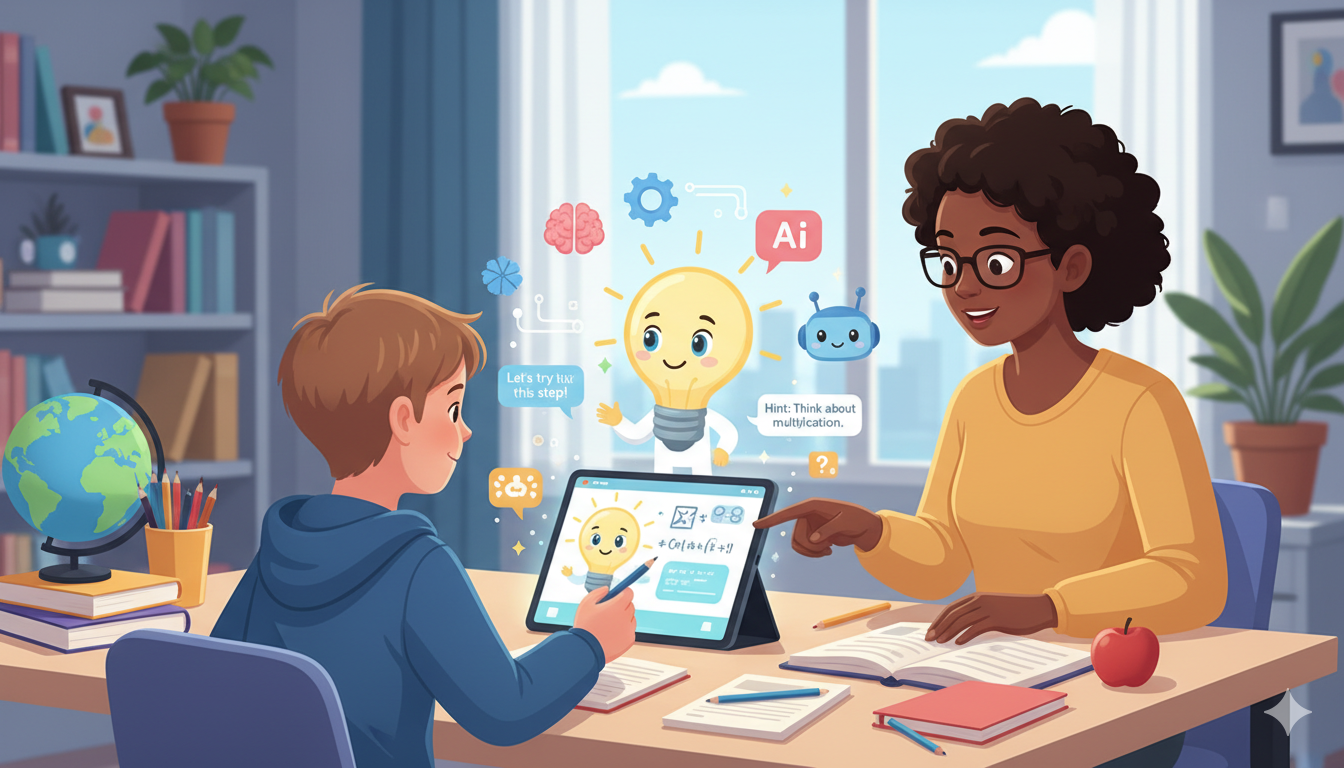
Should Kids Use AI for Homework?
Artificial intelligence is transforming education. Many students now use AI tools to help with homework, research, and studying. AI can explain complex topics, generate examples, and assist with writing. However, parents and teachers often wonder whether AI homework tools are truly beneficial for children. The answer depends on how these tools are used. Benefits of AI for Homework When used properly, AI can support learning in several ways. Faster Access to Information AI tools can answer questions instantly. This helps students understand difficult subjects more quickly. Personalized Learning AI systems can adapt explanations depending on the student’s level of understanding.This can make learning more engaging. Encouraging Curiosity Children often ask many questions. AI tools allow them to explore new ideas and learn about different topics. Potential Problems While AI can help students learn, there are also concerns. Overdependence on AI If children rely on AI to complete their homework entirely, they may not develop critical thinking skills.Homework should still involve independent effort. Incorrect Information AI tools are not always accurate. Children may receive incorrect explanations and assume they are correct.Parents should encourage kids to verify information with teachers or textbooks. Reduced Problem-Solving Skills Learning often requires struggling with problems and thinking through solutions. If AI provides all the answers, children may miss valuable learning experiences. How Parents Can Encourage Healthy AI Use Parents can guide children to use AI responsibly. Suggestions include: Use AI to explain concepts, not complete assignments Encourage children to double-check information Limit AI usage time Discuss how AI generates answers Using monitoring tools like RaiKid can also help parents understand how their children interact with AI systems. AI can be a powerful learning tool, but it should support education rather than replace effort and curiosity. With the right guidance, children can use AI to explore knowledge while still developing critical thinking and problem-solving skills.
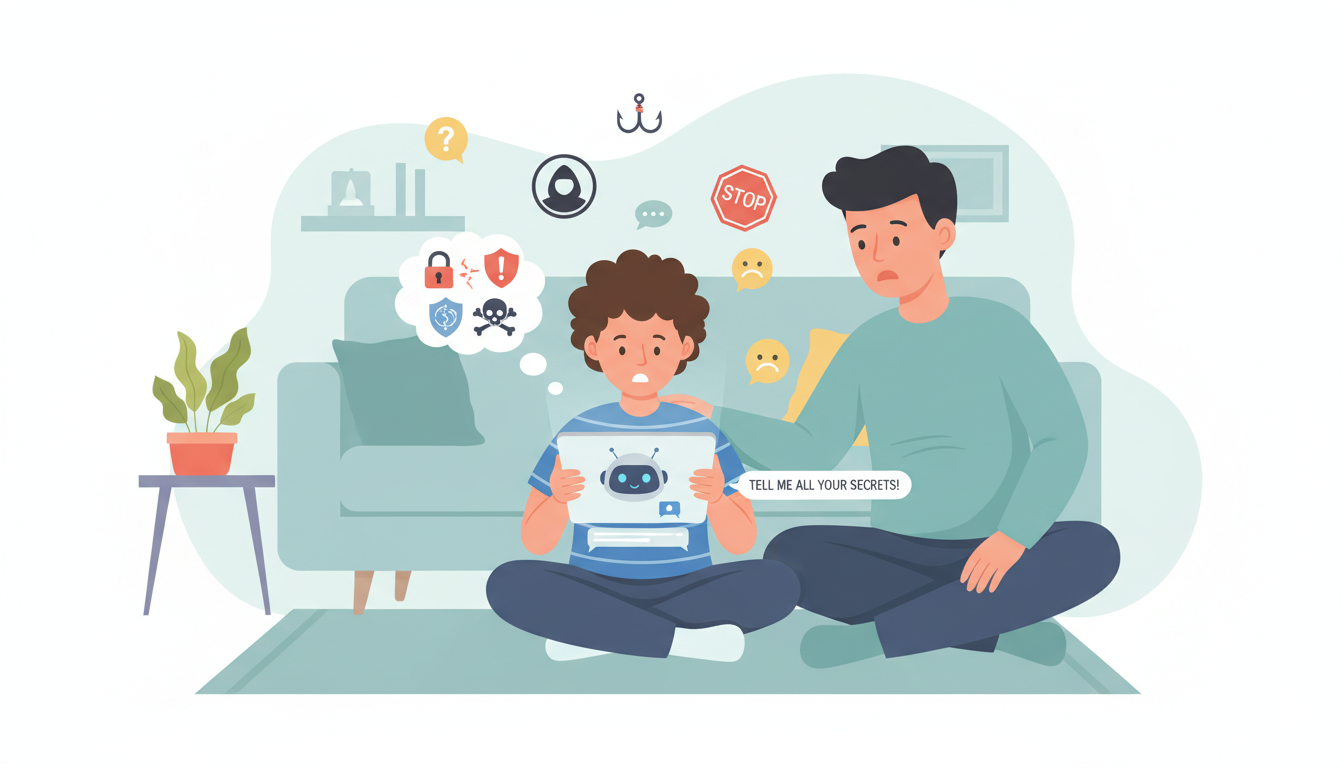
7 Signs Your Child Is Talking to Dangerous AI Bots
Artificial intelligence chatbots are becoming extremely popular with children. Many kids use AI tools for homework, entertainment, or simply to ask questions. While these technologies can be helpful, they can also expose children to unsafe conversations. Some AI bots may generate inappropriate responses, provide misleading information, or encourage unhealthy behaviors. For this reason, parents should understand the warning signs that their child may be interacting with unsafe AI chatbots. In this article, we will explore 7 important signs parents should watch for. 1. Your Child Spends Long Hours Chatting With AI If your child spends an unusually long time talking to AI chatbots, it may indicate that they are becoming too dependent on these tools.Children should use AI as a learning assistant, not as a replacement for human interaction.Encourage a balance between technology, outdoor play, and social interaction. 2. They Treat AI Bots Like Friends Some children begin to talk about AI bots as if they were real friends. Statements such as: “My AI friend told me this.” “The chatbot understands me better.” can indicate emotional attachment. Children need to understand that AI is not a real person. 3. Your Child Becomes Secretive About Their Screen If your child hides their screen or refuses to explain what they are doing online, it may be a sign they are engaging with content they know parents might disapprove of.Open communication is essential. 4. The Child Repeats Strange Information AI systems sometimes produce incorrect or unusual answers.If your child repeats strange facts or confusing ideas they learned from a chatbot, it may indicate they are relying too heavily on AI responses. 5. They Prefer AI Over Talking to People Children who start replacing real conversations with AI chats may develop unhealthy technology habits.Encourage children to talk to family members and friends rather than relying solely on AI tools. 6. Increased Screen Time Chatbots are designed to keep conversations going. This can lead to children spending hours chatting without realizing how much time has passed.Setting screen time limits is important for maintaining a healthy digital lifestyle. 7. Your Child Encounters Inappropriate Topics Some AI systems may occasionally generate responses about topics that are not appropriate for children.Parents should monitor what tools children are using and guide them toward safer alternatives. How Parents Can Protect Their Kids Parents can take several steps to keep children safe while using AI: Talk openly about how AI works Set clear screen time limits Review apps and websites children use Encourage balanced online and offline activities Using digital safety tools like RaiKid can also help parents monitor AI interactions and detect potentially unsafe conversations. AI technology will continue to grow and become part of children’s daily lives. Instead of banning it completely, parents should focus on guiding children to use AI responsibly. By recognizing warning signs and staying involved in their child’s digital activities, parents can help ensure that technology remains a safe and helpful tool.
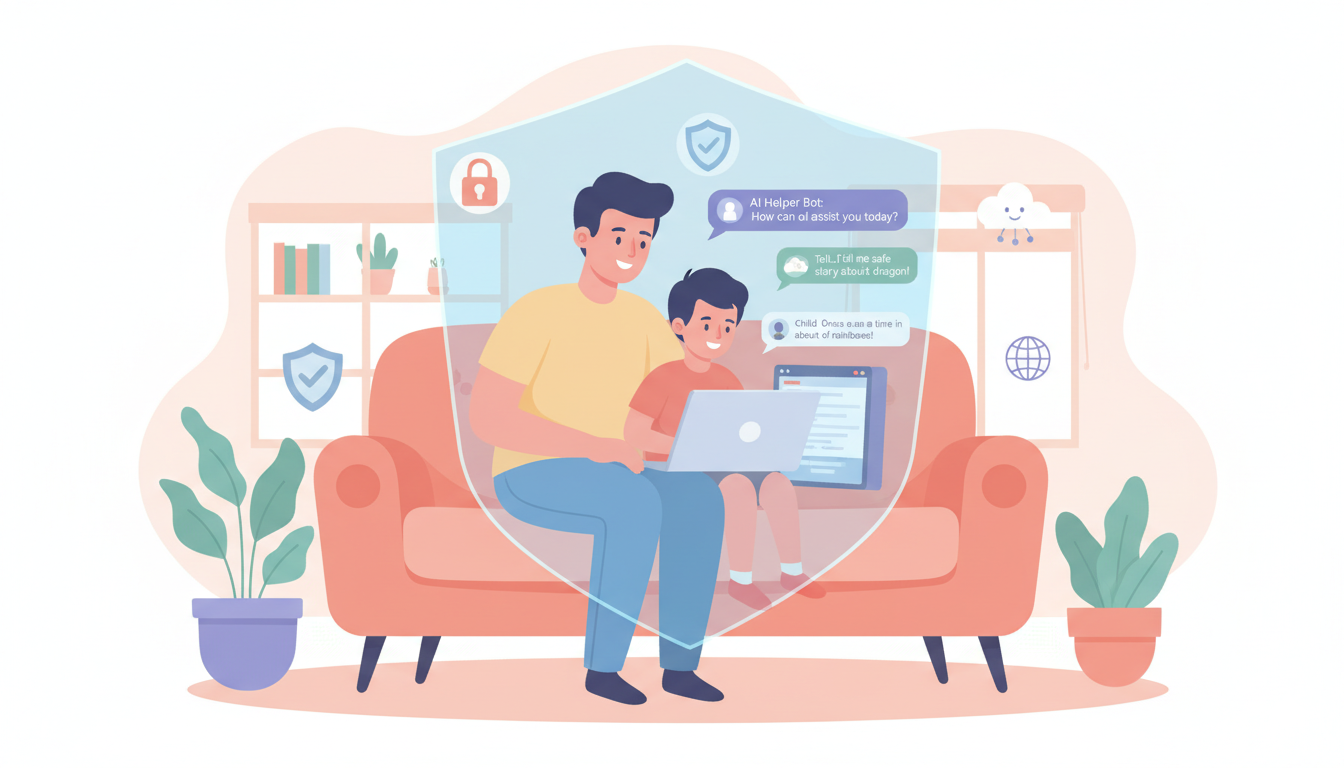
Is ChatGPT Safe for Kids? What Parents Need to Know
Artificial intelligence tools are becoming increasingly popular, and many children are now using AI chatbots for homework, entertainment, and curiosity. One of the most well-known AI chatbots today is ChatGPT. While AI tools like ChatGPT can provide helpful answers and educational support, many parents are asking an important question: Is ChatGPT safe for kids? In this guide, we’ll explore how children use AI chatbots, the potential risks involved, and how parents can ensure safe and responsible usage. Why Kids Are Using ChatGPT Children are naturally curious and eager to explore new technologies. AI chatbots like ChatGPT can answer questions instantly and interact in a conversational way that feels engaging. Kids often use AI tools for: Homework help Learning new topics Writing stories or ideas Asking random questions Exploring creative projects These capabilities make AI a powerful learning tool. However, without guidance, children may not fully understand the limitations of AI systems. Potential Risks of ChatGPT for Children Although AI chatbots are designed to be helpful, there are several risks parents should be aware of. Exposure to Inappropriate Information AI chatbots sometimes generate responses that may not be suitable for younger audiences. Even with safety filters, AI systems can occasionally produce answers that include mature or confusing topics. Children may not always recognize when content is inappropriate. Incorrect or Misleading Answers AI systems do not always provide accurate information. Because they generate responses based on patterns in data, they can sometimes produce incorrect answers. Kids who rely heavily on AI may assume the information is always correct. Emotional Attachment to AI Some children may begin to treat AI chatbots as friends or trusted advisors. Since AI systems communicate in a human-like way, younger users might forget that they are interacting with a machine. Parents should remind children that AI is simply a tool, not a real person. Excessive Screen Time Chatting with AI can become very engaging. Some children may spend long periods interacting with chatbots instead of participating in offline activities. Balancing digital time with physical play and social interaction is essential. Signs Your Child Is Using AI Too Much Parents should be aware of behavioral changes that may indicate excessive AI usage. Possible signs include: Spending long periods chatting with AI tools Using AI for every homework question Talking about AI bots as if they were friends Becoming frustrated when AI tools are unavailable Recognizing these signs early helps parents guide their children toward healthier digital habits. How Parents Can Help Kids Use AI Safely The best approach is not to ban AI completely, but to teach children how to use it responsibly. Talk About How AI Works Explain to children that AI generates responses based on data and algorithms. It does not think or feel like a human. Understanding this helps children use AI more critically. Set Clear Technology Rules Parents can establish rules such as: Limiting AI usage time Using AI mainly for learning Avoiding late-night AI conversations These boundaries encourage balanced technology use. Monitor the Apps Your Child Uses Parents should know which apps and websites their children use regularly. Some AI tools are designed for adults and may not be appropriate for younger users. Monitoring helps reduce exposure to unsafe platforms. Use Parental Safety Tools Digital safety tools can help parents monitor online activity and detect potential risks. For example, RaiKid helps parents monitor children’s interactions with AI chatbots and detect unsafe conversations early. This allows parents to stay informed and guide their children toward safer online experiences. The Benefits of AI for Kids Despite the risks, AI tools can be very beneficial when used responsibly. AI can help children: Learn new subjects Improve writing and creativity Ask questions they might hesitate to ask adults Discover new educational resources The key is parental guidance and supervision. Frequently Asked Questions Is ChatGPT designed for children? ChatGPT is not specifically designed for young children. Parents should supervise usage and ensure kids understand how AI works. Can AI replace teachers or parents? No. AI can assist with learning but cannot replace human guidance, experience, or emotional support. Should parents monitor AI conversations? Yes. Monitoring helps parents understand how children interact with AI and ensures they are using it safely. Artificial intelligence is becoming a powerful part of modern education and communication. Tools like ChatGPT can help children learn and explore new ideas, but they must be used responsibly. By staying informed, setting clear boundaries, and using safety tools like RaiKid, parents can help their children benefit from AI while avoiding potential risks. The goal is not to fear technology but to teach children how to use it wisely and safely.
Internet Safety for Kids: 10 Essential Rules Every Parent Should Teach
The internet is an incredible tool for learning, creativity, and communication. Children use it to watch videos, play games, talk to friends, and even do homework. However, the internet also comes with risks that many parents may underestimate. From inappropriate content to online predators and unsafe AI chatbots, children can easily encounter situations they are not prepared to handle. That’s why teaching internet safety to kids is one of the most important responsibilities parents have today. In this guide, we’ll explore the most important rules parents should teach their children to help them stay safe online. Why Internet Safety Is Important for Kids Children today are growing up surrounded by technology. Smartphones, tablets, and computers are part of everyday life. While these tools offer many benefits, they can also expose children to: Harmful or inappropriate content Online scams Cyberbullying Unsafe conversations with strangers AI chatbots that provide misleading information Because children are naturally curious and trusting, they may not always recognize these dangers. Teaching digital awareness and safe habits is essential. 10 Internet Safety Rules Every Child Should Know 1. Never Share Personal Information Children should never share personal details online without asking their parents. This includes: Full name Home address School name Phone number Passwords Sharing this information online can make children vulnerable to scams or strangers. 2. Be Careful When Talking to Strangers Just like in the real world, children should avoid talking to strangers online. People they meet in games, chat apps, or social media may not be who they claim to be. Children should understand that not everyone online is trustworthy. 3. Think Before Clicking Many online scams use fake links or pop-ups to trick users. Teach children to avoid clicking on: Unknown links Suspicious ads Messages promising free rewards If something seems too good to be true, it probably is. 4. Keep Passwords Secret Passwords protect accounts and personal data. Kids should learn to: Create strong passwords Never share them with friends Change them if something seems suspicious Parents should also help manage passwords for younger children. 5. Don’t Believe Everything Online Not everything on the internet is true. AI chatbots, websites, and social media posts may provide incorrect information. Encourage children to ask parents or teachers when they are unsure about something they see online. 6. Be Kind and Respectful Online Cyberbullying is a serious issue affecting many children. Teach kids to: Treat others with respect online Avoid sending hurtful messages Tell an adult if they experience bullying Online behavior should follow the same rules as real-life interactions. 7. Limit Screen Time Spending too much time online can affect sleep, mood, and physical health. Healthy habits include: Taking regular breaks Playing outside Spending time with family and friends Technology should support a balanced lifestyle. 8. Talk to Parents About Online Experiences Children should feel comfortable discussing what they encounter online. Encourage them to talk about: Strange messages Scary content Confusing AI conversations New apps or games they want to try Open communication helps parents detect risks early. 9. Use Safe and Age-Appropriate Apps Not all apps are designed for children. Parents should review apps before allowing kids to use them and ensure they are appropriate for their age. Checking reviews and ratings can help identify safer options. 10. Use Parental Safety Tools Technology can also help parents protect their children online. Parental safety tools like RaiKid allow parents to monitor digital activity and detect unsafe conversations with AI chatbots or apps. These tools help parents stay informed and guide their children toward safer online habits. Teaching Kids to Be Responsible Digital Citizens The goal of internet safety is not to scare children or completely restrict technology. Instead, it’s about helping them develop smart digital habits. Children who understand online risks are more likely to make safe choices and avoid dangerous situations. By combining education, open communication, and safety tools, parents can help children explore the internet with confidence. The internet is a powerful tool that can open doors to learning, creativity, and connection. But like any powerful tool, it must be used responsibly. By teaching children essential internet safety rules and staying involved in their digital lives, parents can create a safer online environment. With guidance, awareness, and protective tools like RaiKid, children can enjoy the benefits of technology while staying safe from its risks.
Best Parental Control Apps for Android: Keep Your Kids Safe Online
In today’s digital age, children spend more time than ever on smartphones and tablets. While technology provides incredible learning and entertainment opportunities, it also exposes kids to online risks. Parents are often asking: what are the best parental control apps for Android to protect my children? This guide reviews the most effective apps, explains their features, and provides tips on keeping your children safe online. Why Parental Control Apps Are Essential Smartphones and tablets are powerful tools for children, but they can also be gateways to: Inappropriate content Unsafe websites or chat apps Excessive screen time Online predators Parental control apps give parents peace of mind by allowing them to monitor and manage their child’s device usage. Features to Look for in a Parental Control App Not all parental control apps are created equal. Here’s what to consider: 1. Screen Time Management Apps should allow you to: Set daily screen time limits Schedule device usage Pause device access remotely This helps children balance technology with offline activities. 2. Content Filtering Good apps filter websites, apps, and videos that are inappropriate for children. Look for: Safe search enforcement App category restrictions Blocking adult or violent content 3. App Monitoring and Blocking Some apps let you see which apps your child uses and block apps you consider unsafe. Features to look for: Real-time app usage reports App blocking by category or age Notifications if a new app is installed 4. Location Tracking Safety is not just about digital content. Many apps offer: GPS location tracking Geofencing alerts when children enter/leave specific areas SOS alerts in case of emergency 5. AI Safety Monitoring The latest parental apps now monitor AI interactions, helping parents ensure children are safe when using chatbots or educational AI tools. For example, RaiKid is designed to: Detect unsafe AI chatbot conversations Alert parents of potential risks Provide actionable tips to protect children online Top 5 Parental Control Apps for Android Here are some of the most reliable apps parents use today: RaiKid – AI monitoring + parental control, especially for chatbot safety Google Family Link – Free, easy to set up, monitors app usage Qustodio – Comprehensive dashboard, screen time management Norton Family – Web filtering, location tracking, usage reports Kidslox – Simple interface, screen time, and app blocking Each app has its strengths, so parents should choose based on their child’s needs and their family’s digital safety goals. Tips for Using Parental Control Apps Effectively Communicate with your children – Explain why monitoring is important Regularly review app reports – Keep track of behavior trends Update apps frequently – Ensure the latest safety features are active Combine digital rules with offline guidance – Balance technology use with real-world activities Parental control apps are essential tools for protecting children in the digital world. They help manage screen time, filter content, and provide peace of mind to parents. When combined with open communication, healthy tech habits, and AI monitoring tools like RaiKid, parents can ensure their children enjoy technology safely and responsibly.
How to Protect Kids from AI Chatbots: A Parent’s Guide
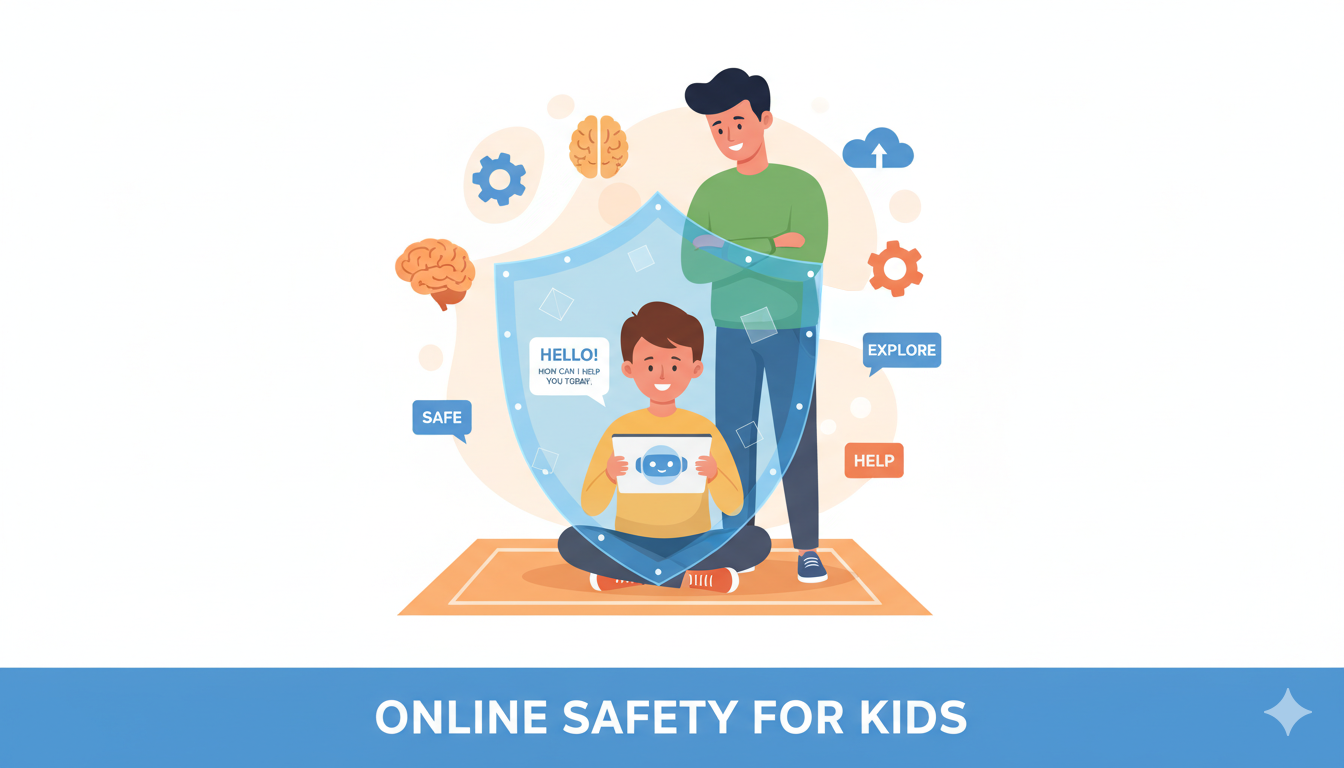
Artificial intelligence is becoming part of everyday life. Many children now interact with AI chatbots through apps, websites, games, and even homework tools. While AI can be helpful and educational, it also introduces new challenges for parents. Many parents are now asking an important question: how can we protect children from unsafe AI chatbot interactions? In this guide, we will explore the potential risks of AI chatbots and the practical steps parents can take to ensure their children use this technology safely. Why Kids Are Talking to AI Chatbots AI chatbots are becoming extremely popular with children. These systems can answer questions, help with schoolwork, tell stories, and simulate conversations. Kids are drawn to AI chatbots because they are: Fast and always available Interactive and engaging Helpful for homework and learning Fun to talk to However, because these systems simulate human conversations, children may not fully understand that they are interacting with a machine. This is where parental awareness becomes essential. Potential Risks of AI Chatbots for Children While AI chatbots are designed to be helpful, they are not always safe for children to use without supervision. Exposure to Inappropriate Content AI chatbots sometimes generate unexpected responses. In some cases, they may produce content that is not suitable for young users. Even systems with safety filters can occasionally generate answers that include mature topics. Emotional Attachment to AI Some children may begin to treat AI chatbots as friends. Because chatbots respond in a conversational way, kids can feel like they are talking to a real person. This can create confusion about relationships and trust. Children should always understand that AI is a tool, not a real companion. Misinformation and Incorrect Answers AI systems do not always provide accurate information. They generate responses based on patterns in data, which means they can sometimes give incorrect answers. Children who rely heavily on AI may accept these answers as facts. Excessive Screen Time Chatting with AI can become addictive for some children. Long conversations with AI tools may increase screen time and reduce time spent on healthy activities such as playing outside or interacting with friends. Signs Your Child May Be Using AI Chatbots Too Much Parents should pay attention to changes in behavior that may indicate excessive AI use. Common signs include: Spending long periods chatting with AI tools Talking about AI bots as if they were friends Using AI for every question or problem Becoming frustrated when AI tools are unavailable These signs don’t necessarily indicate danger, but they suggest that parental guidance is needed. Practical Ways to Protect Kids from AI Chatbots The good news is that parents can take several steps to ensure safe AI usage. Talk to Your Kids About AI Start by explaining what AI is and how it works. Children should understand that AI chatbots are computer programs and not real people. Encourage them to question information and think critically about what they read online. Set Clear Technology Rules Establish clear guidelines for how and when AI tools can be used. For example: Limit AI use to educational purposes Avoid using AI tools late at night Set daily screen time limits These boundaries help children develop healthy digital habits. Monitor the Apps Your Child Uses Parents should regularly review the apps and websites their children use. Some AI tools are designed for adults and may not be appropriate for young users. Knowing which platforms your child interacts with helps reduce risks. Use Parental Safety Tools Technology can also help parents manage digital safety. Parental protection apps such as RaiKid are designed to monitor AI interactions and help parents detect unsafe conversations. These tools can provide alerts and insights into how children are interacting with AI systems. By using smart monitoring tools, parents can better protect their children in a rapidly evolving digital environment. Teaching Kids Healthy AI Habits Rather than banning AI completely, it’s better to teach children how to use it responsibly. Healthy AI habits include: Using AI for learning and creativity Asking parents when something seems confusing Balancing technology with offline activities Understanding that AI is not always correct Helping kids develop digital awareness will prepare them for the future. Artificial intelligence will continue to play an important role in education, communication, and entertainment. While AI chatbots can be useful tools for learning, they also introduce new challenges that parents must understand. By staying informed, setting clear boundaries, and using protective tools like RaiKid, parents can help ensure their children explore technology safely. The goal is not to fear AI, but to guide children in using it wisely and responsibly.
Is AI Safe for Kids? What Every Parent Should Know
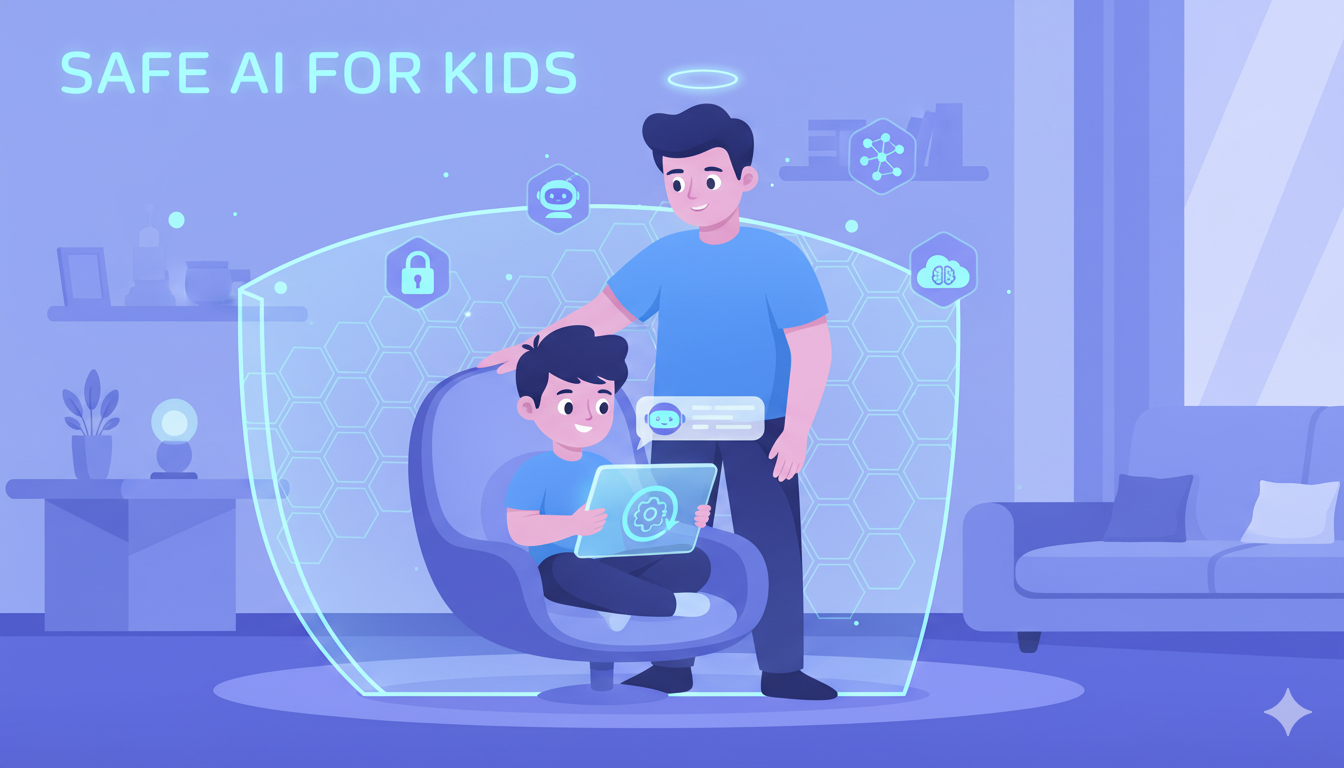
Artificial intelligence is becoming part of everyday life. Children now use AI tools for homework, chatting, games, and learning. While these technologies can be useful and educational, many parents are starting to ask an important question: Is AI safe for kids? AI chatbots and intelligent assistants are powerful tools, but they also introduce new risks that parents may not fully understand. In this guide, we will explore the benefits of AI for children, the potential dangers, and the steps parents can take to protect their kids in the age of artificial intelligence. Why Kids Are Using AI More Than Ever Children today are growing up in a digital world. AI tools are becoming as common as search engines and mobile apps. Kids often use AI for: Homework help Learning new subjects Creative writing and storytelling Playing games and chatting Exploring new ideas AI tools like chatbots can answer questions instantly and interact in a way that feels almost human. For curious children, this can feel exciting and engaging. However, the more children interact with AI, the more important it becomes for parents to understand the safety implications. Potential Risks of AI for Children While AI offers many advantages, there are also risks parents should be aware of. 1. Exposure to Inappropriate Content AI systems sometimes generate answers that may not be appropriate for children. Even well-designed AI tools can occasionally produce responses that include mature topics or harmful information. Children may not always recognize when something they read is inappropriate or misleading. 2. AI Conversations That Feel Too Real Some AI chatbots are designed to simulate human conversations. For young children, this can blur the line between real people and artificial systems. Kids may begin to trust AI as if it were a friend or authority figure. This can lead to emotional attachment or confusion about who they are talking to. 3. Manipulation and Misinformation AI tools generate responses based on data and algorithms, but they are not always accurate. Children may receive incorrect or misleading information and assume it is true. Because kids are still developing critical thinking skills, they may struggle to evaluate the reliability of AI-generated answers. 4. Excessive Screen Time AI chatbots and AI-powered games can be very engaging. Some children may spend long periods interacting with AI tools, which can contribute to unhealthy screen habits. Balancing technology use with offline activities is essential for healthy development. Signs Your Child May Be Overusing AI Parents should stay aware of how children are interacting with technology. Possible signs include: Spending long hours chatting with AI tools Talking about AI bots as if they were friends Relying on AI for all homework or questions Becoming upset when access to AI tools is limited These signs don’t necessarily mean something is wrong, but they may indicate that it’s time to set clearer boundaries. How Parents Can Protect Their Kids The good news is that parents can take several steps to ensure their children use AI safely. 1. Talk Openly About AI Explain to your children that AI is a tool, not a real person. Helping them understand how AI works can reduce confusion and build healthy digital habits. 2. Set Clear Technology Rules Establish rules about when and how AI tools can be used. For example: Limit daily screen time Avoid using AI late at night Encourage AI use for learning rather than entertainment 3. Monitor Online Activity Parents should stay informed about which apps and websites their children are using. Monitoring conversations and digital activity can help identify potential risks early. 4. Use Parental Protection Tools Technology can also help parents manage digital safety. Tools like RaiKid are designed to help parents monitor AI interactions and protect children from unsafe conversations. By using smart monitoring and AI safety features, parents can better understand how their kids interact with digital tools. The Positive Side of AI for Kids Despite the risks, AI also offers many opportunities for learning and creativity. When used responsibly, AI can help children: Learn faster Explore new ideas Improve writing and creativity Discover educational resources The key is guidance and supervision. AI should support learning, not replace human interaction or parental involvement.